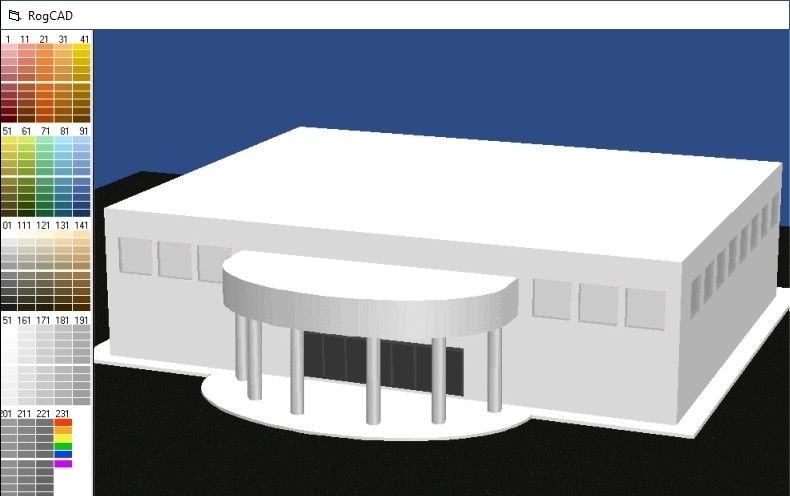
Projects in RogCAD are built up mostly through the use
of cubic primitives. The user defines a cubic shape by
specifying two diagonally opposite vertices.
RogCAD automatically supplies the remaining six vertices
as well as the connecting lines and planes.
These cubic elements can be skewed, resized, rotated by
any degree, translated (slid) and repeated along lines
or curves.
------------------------------------------------------------
------------------------------------------------------------
Note:
The blocks of data displayed on this page are examples
of data entered into a text file by the CAD user.
The RogCAD program code reads the data, performs various
math operations and displays 3D models. That program code
(about 10,000 lines of code) can be seen by clicking on
this link: RogCAD program code
------------------------------------------------------------
------------------------------------------------------------
Here are some cubics defined in a text file using Notepad:
start x y z x y z
point minimum values maximum values rotation color
----- -------------- -------------- -------- -----
type 1 window frames
001 0 0 0 .5 44 1.5 180 3
011 0 0 48.5 .5 44 51 180 3
021 0 0 1.5 .5 2 48.5 180 3
031 0 42 1.5 .5 44 48.5 180 3
type 2 window frames
041 0 0 0 .5 40 1.5 180 3
051 0 0 48.5 .5 40 51 180 3
061 0 0 1.5 .5 2 48.5 180 3
071 0 38 1.5 .5 40 48.5 180 3
.
.
etc
Cubics can also be repeated along straight or curved paths,
then rotated by any degree and translated (slid) into position.
Thus generated are things like rows of mitered boards,
windows, rows of buildings and spiral staircases:
Projects in RogCAD are built up mostly through the use
of cubic primitives. The user defines a cubic shape by
specifying two diagonally opposite vertices.
RogCAD automatically supplies the remaining six vertices
as well as the connecting lines and planes.
These cubic elements can be skewed, resized, rotated by
any degree, translated (slid) and repeated along lines
or curves.
------------------------------------------------------------
------------------------------------------------------------
Note:
The blocks of data displayed on this page are examples
of data entered into a text file by the CAD user.
The RogCAD program code reads the data, performs various
math operations and displays 3D models. That program code
(about 10,000 lines of code) can be seen by clicking on
this link: RogCAD program code
------------------------------------------------------------
------------------------------------------------------------
Here are some cubics defined in a text file using Notepad:
start x y z x y z
point minimum values maximum values rotation color
----- -------------- -------------- -------- -----
type 1 window frames
001 0 0 0 .5 44 1.5 180 3
011 0 0 48.5 .5 44 51 180 3
021 0 0 1.5 .5 2 48.5 180 3
031 0 42 1.5 .5 44 48.5 180 3
type 2 window frames
041 0 0 0 .5 40 1.5 180 3
051 0 0 48.5 .5 40 51 180 3
061 0 0 1.5 .5 2 48.5 180 3
071 0 38 1.5 .5 40 48.5 180 3
.
.
etc
Cubics can also be repeated along straight or curved paths,
then rotated by any degree and translated (slid) into position.
Thus generated are things like rows of mitered boards,
windows, rows of buildings and spiral staircases:
 x y z x y z spacing endcube rotation color
0 0 0 .292 .292 2.67 5.86 28 270 2
ZWRAP:
start first start last angle per cube how many lift value
2001 2008 1.44 26 .223
x y z x y z spacing endcube rotation color
0 0 0 .292 .292 2.67 5.86 28 270 2
ZWRAP:
start first start last angle per cube how many lift value
2001 2008 1.44 26 .223
 Points, lines and planes can also be defined independently, and are
integrated with the cubic data structures, as are curved surfaces.
point x y z Connect points:
----- -------------
1 0 63.2 0 LINE GROUP 1:
2 24 63.2 0 8,23 1,12 12,13 2,13
3 24 41.2 0 1,31 8,13 1,2 2,3
4 0 45.2 8 3,18 3,8 5,18 5,6
5 24 0 6 .
6 0 0 6 .
7 0 41.2 6 etc
8 24 41.2 8
9 24 0 8
.
.
etc
Plane data, with light-source shading information:
points
--------------
plane t1 b1 t2 b2 direction color
1 3 8 3 18 270 5
2 18 5 8 9 270 5
3 44 43 2 13 270 5
4 1 2 12 13 180 5
.
.
etc
Rotations and translations are easy:
--------------------------------------------
first last z-angle tran-x tran-y tran-z
ZROTATETRANSLATE:
1 358 115 7 13 0
--------------------------------------------
You can build a library of objects, then rotate
and translate (slide) them for precise placement.
Simplest use -- an early image from 1995:
Points, lines and planes can also be defined independently, and are
integrated with the cubic data structures, as are curved surfaces.
point x y z Connect points:
----- -------------
1 0 63.2 0 LINE GROUP 1:
2 24 63.2 0 8,23 1,12 12,13 2,13
3 24 41.2 0 1,31 8,13 1,2 2,3
4 0 45.2 8 3,18 3,8 5,18 5,6
5 24 0 6 .
6 0 0 6 .
7 0 41.2 6 etc
8 24 41.2 8
9 24 0 8
.
.
etc
Plane data, with light-source shading information:
points
--------------
plane t1 b1 t2 b2 direction color
1 3 8 3 18 270 5
2 18 5 8 9 270 5
3 44 43 2 13 270 5
4 1 2 12 13 180 5
.
.
etc
Rotations and translations are easy:
--------------------------------------------
first last z-angle tran-x tran-y tran-z
ZROTATETRANSLATE:
1 358 115 7 13 0
--------------------------------------------
You can build a library of objects, then rotate
and translate (slide) them for precise placement.
Simplest use -- an early image from 1995:
 Complex curved surfaces are modeled by stretching
basic circular shapes in a variety of directions.
Curved elements with unlimited deformation potential:
points degrees radius offset weight
per ----------- ------- ----------- --------
section start arc X Y X Y Z left inc stretch
20
20 -70 19.2 6 24 30 2.83 0 0 0
20 -70 19.2 6 24 30 4.83 0 0 0
20
20 -70 19.2 6 24 30 4.83 0 0 0
3 -87 10 6.9 24 27.6 4.83 0 0 0
20
3 -87 10 6.9 24 27.6 4.83 0 0 0
3 -87 10 6.9 24 27.6 6.17 0 0 0
.
etc
Complex curved surfaces are modeled by stretching
basic circular shapes in a variety of directions.
Curved elements with unlimited deformation potential:
points degrees radius offset weight
per ----------- ------- ----------- --------
section start arc X Y X Y Z left inc stretch
20
20 -70 19.2 6 24 30 2.83 0 0 0
20 -70 19.2 6 24 30 4.83 0 0 0
20
20 -70 19.2 6 24 30 4.83 0 0 0
3 -87 10 6.9 24 27.6 4.83 0 0 0
20
3 -87 10 6.9 24 27.6 4.83 0 0 0
3 -87 10 6.9 24 27.6 6.17 0 0 0
.
etc
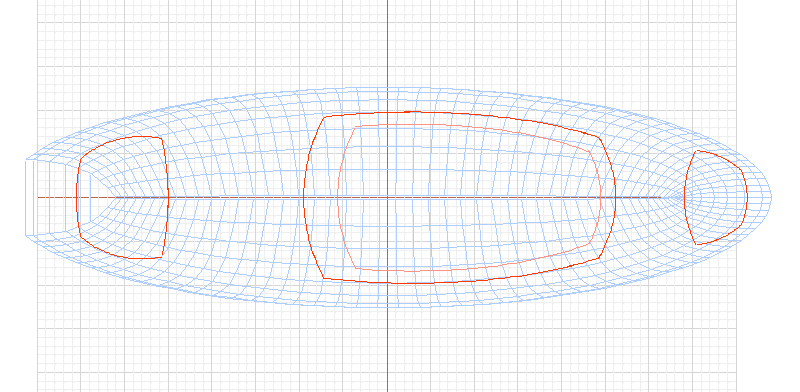
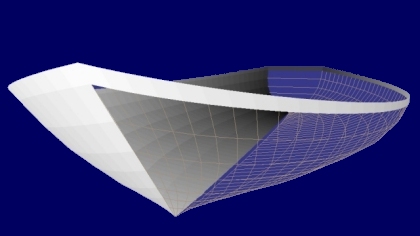
Boat hulls are especially easy:
|


 Link:
Link: 
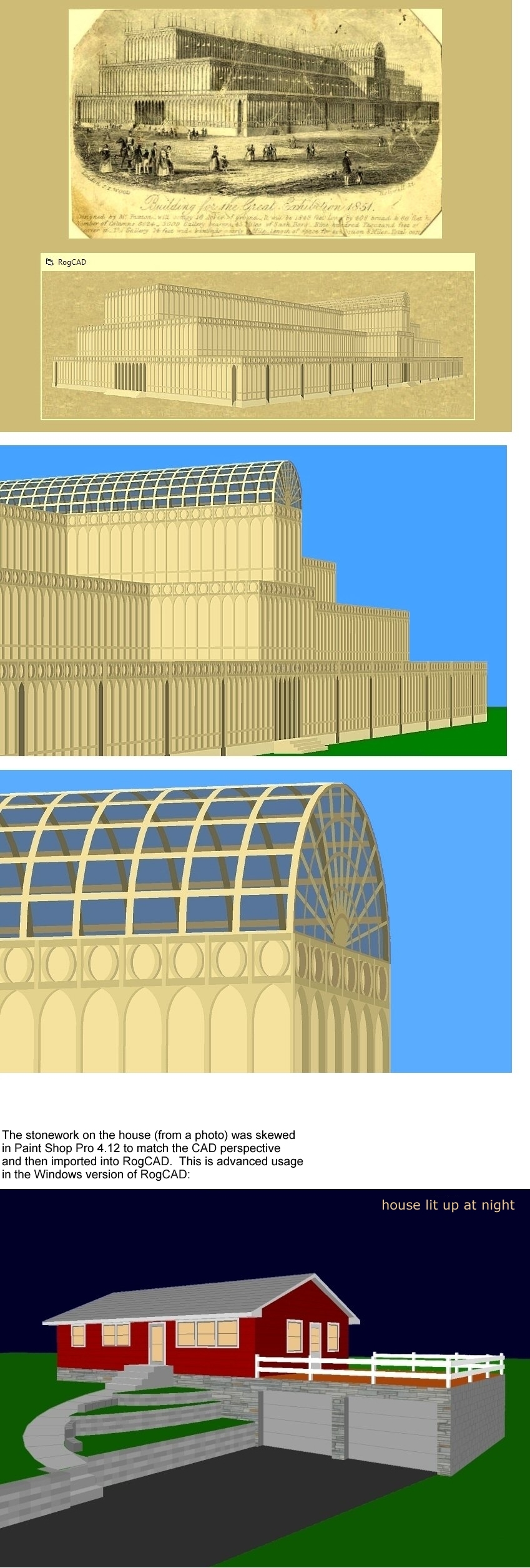 66 second looping video
Three options for an addition
66 second looping video
Three options for an addition
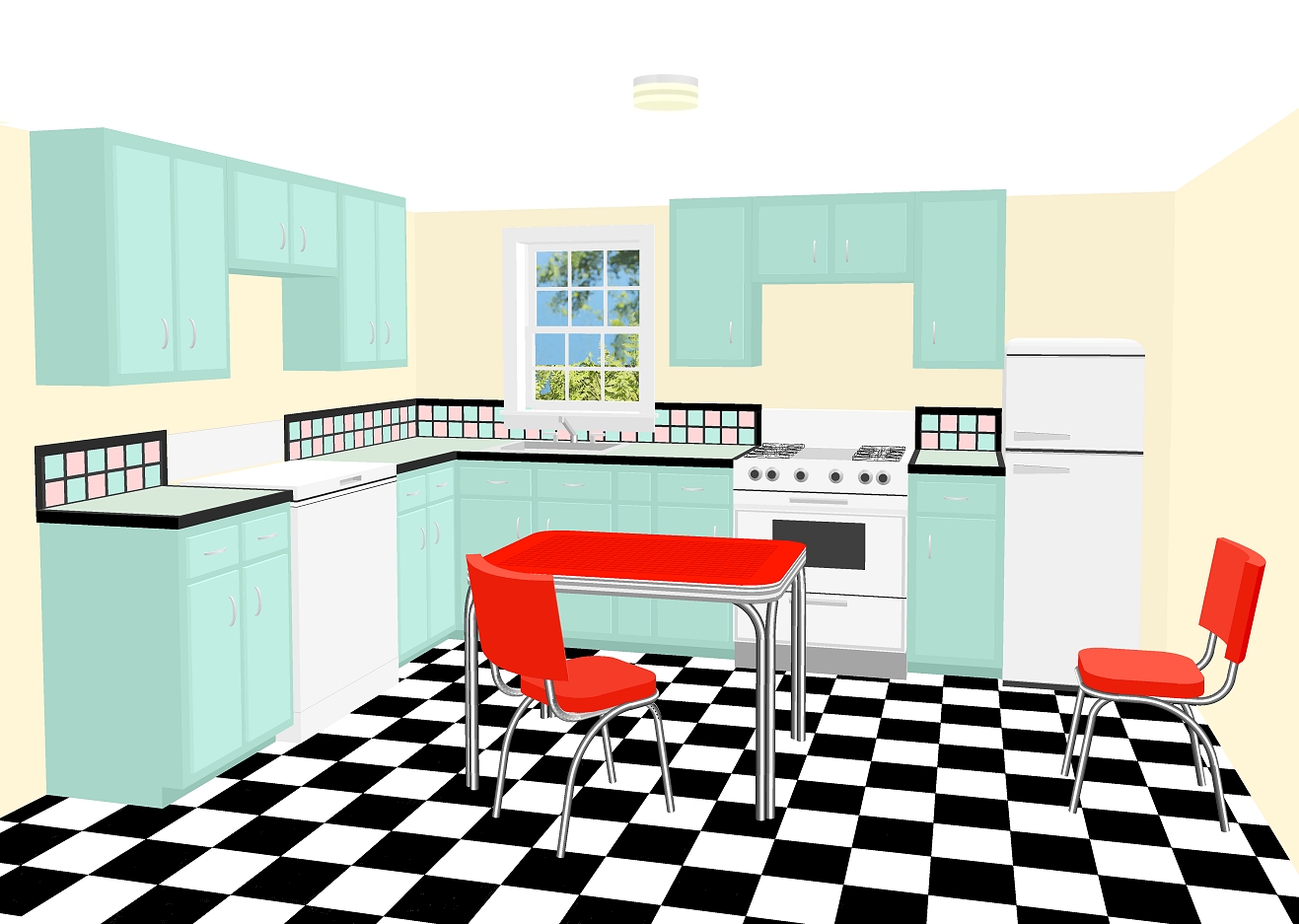
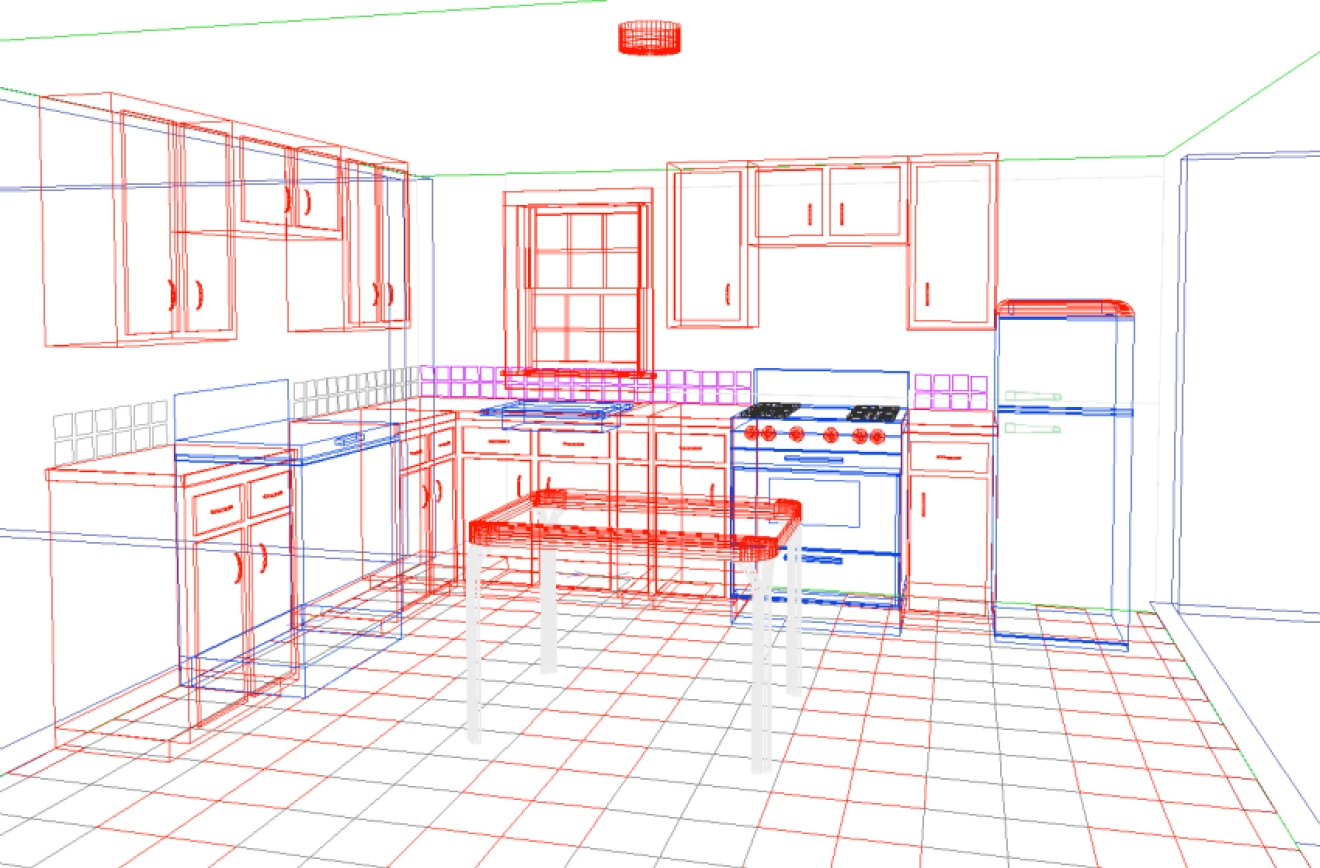
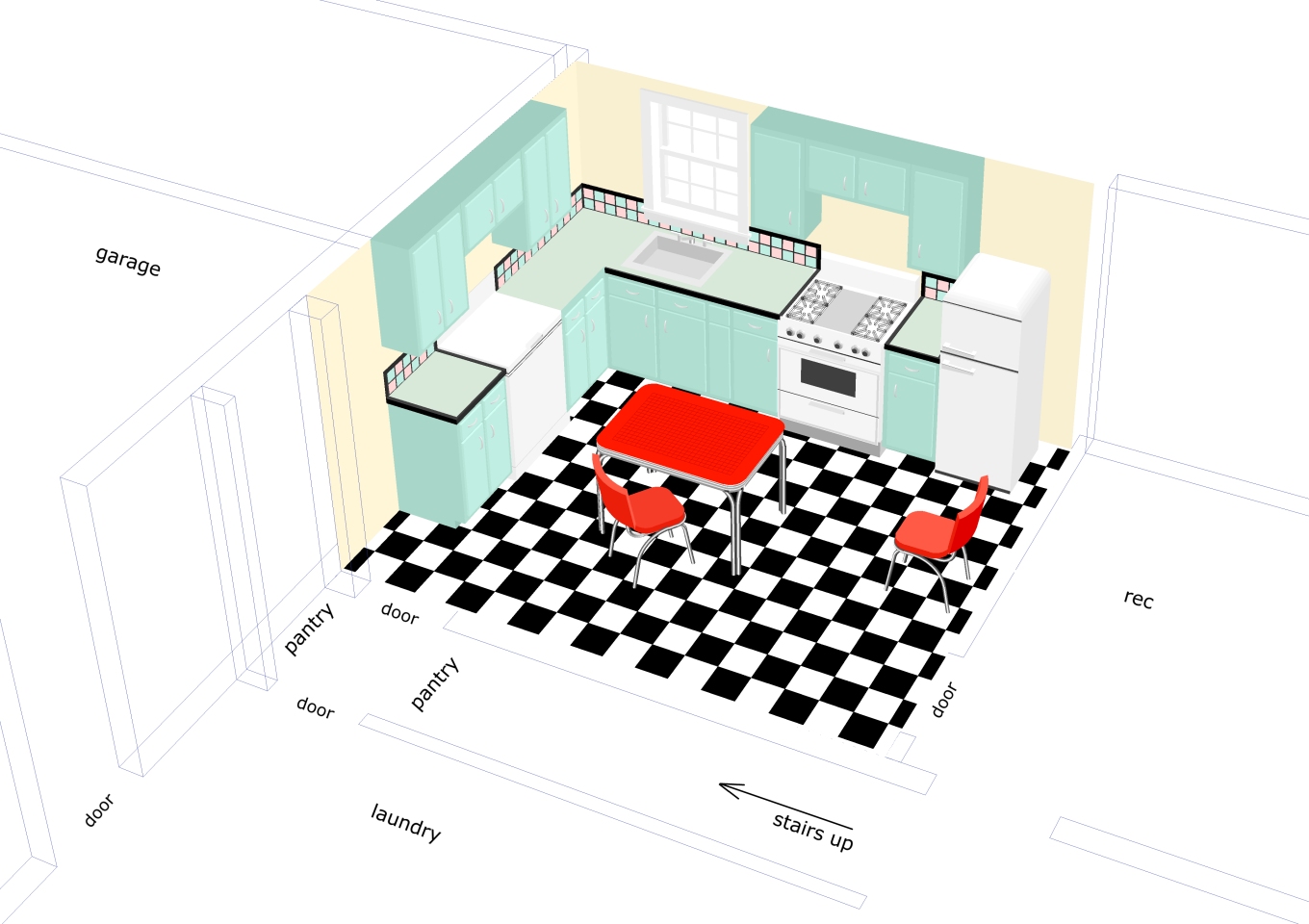
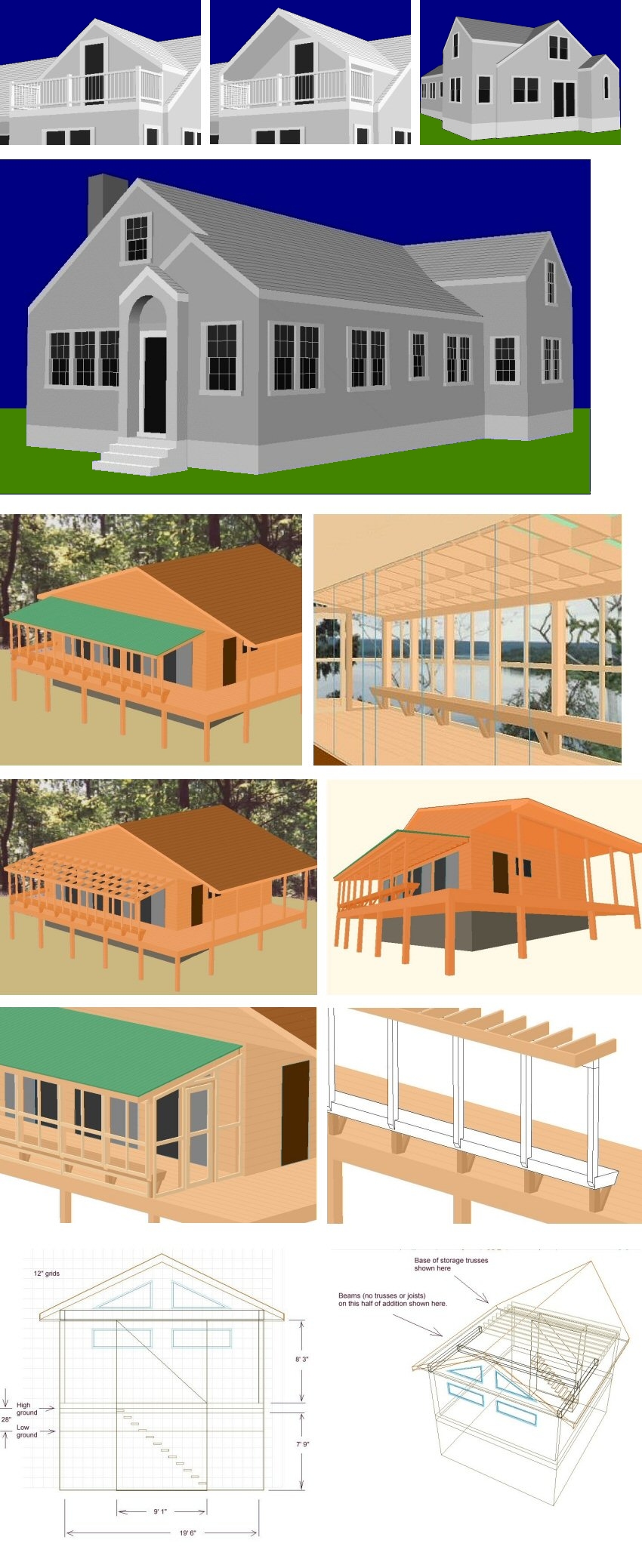 Above:
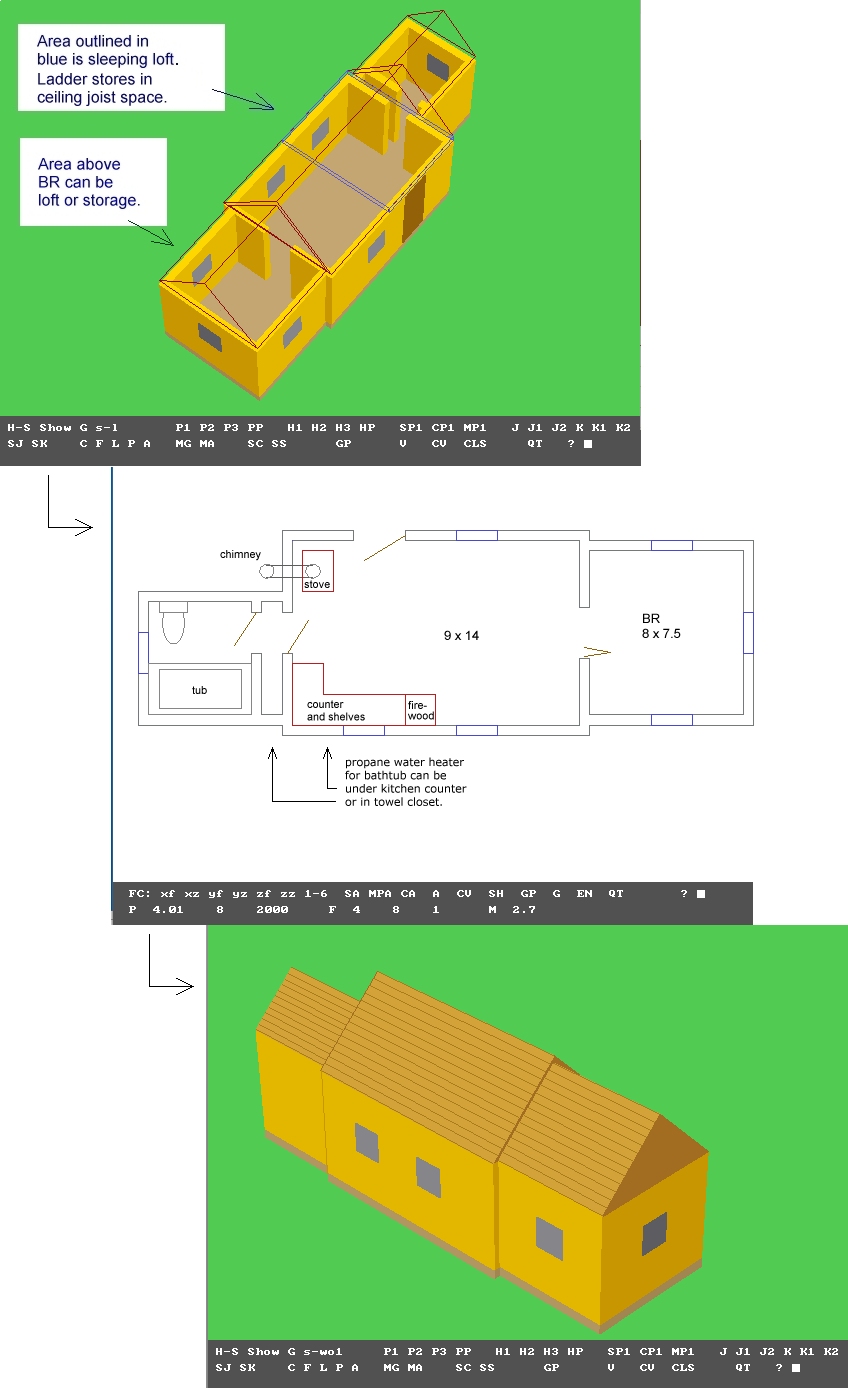
The type of simple, informative, drawings that building
contractors find very useful, and at which RogCAD excels.
Above:
The type of simple, informative, drawings that building
contractors find very useful, and at which RogCAD excels.
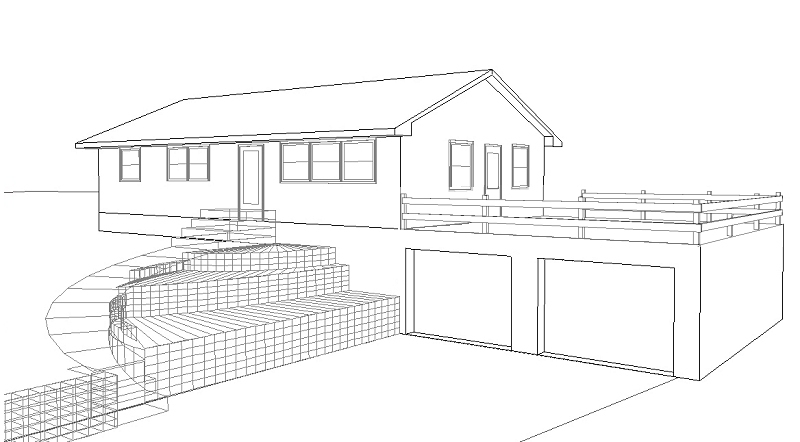

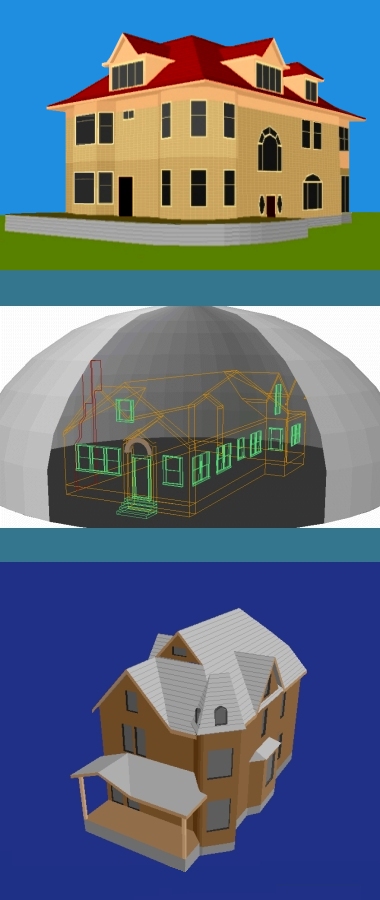

 A little cottage to build. Three RogCAD QB64 images: